MCP Servers Worth Knowing When You Build With AI / Jul 6, 2026
Model Context Protocol servers have quietly become the plumbing of serious AI tooling. They let you hand a model structured, scoped context: files, metadata, application state, user roles, live page data, and more. If you are building anything past a raw prompt, such as an agent, a scoped assistant, or an LLM based code tool, you will almost certainly reach for one.
This is a tour of the MCP servers I keep coming back to for building and debugging across codebases, design systems, documentation, and structured content. Each one is available to integrate today, with open source code or a documented API. I use Kiro as my main editor, and the JSON config blocks below are exactly what Kiro expects, but the same shape works with only small tweaks across Claude, Cursor, Windsurf, Codex, and other MCP clients.
A quick word on what MCP actually is
MCP is an open standard introduced by Anthropic in November 2024 to standardize how AI applications connect to external tools and data. The usual analogy is USB-C for AI: instead of every model needing a bespoke connector for every service, they all speak one protocol. You build the integration once and any MCP compatible client can use it.
The idea caught on fast. Through 2025 it went from a quiet launch to an industry default, picked up by OpenAI, Google, Microsoft, and thousands of independent developers, and the protocol has since moved to community governance. That momentum is exactly why it is worth knowing which MCP servers are actually useful rather than just which exist.
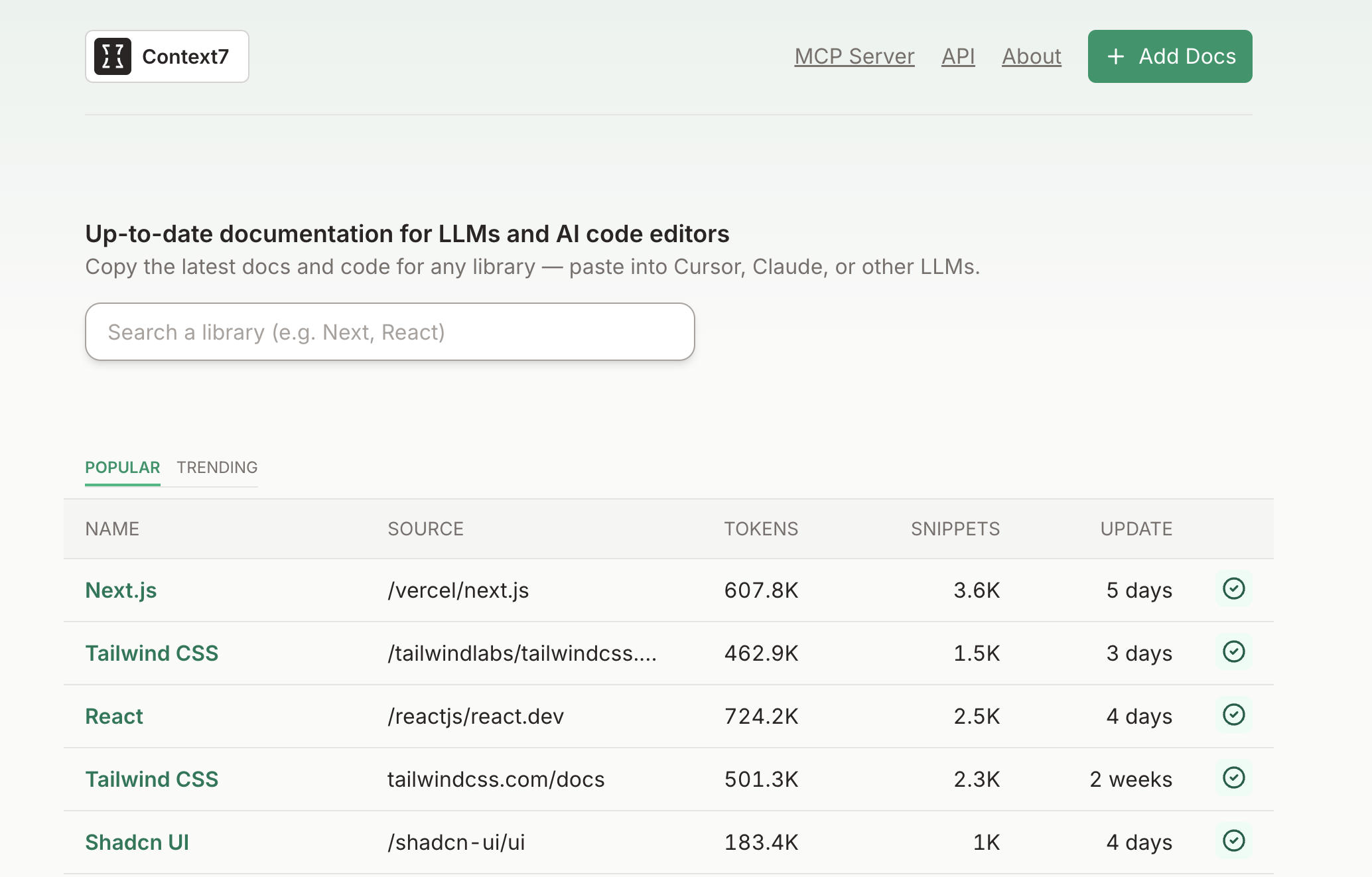
Context7 keeps an agent grounded in current library docs instead of stale, hallucinated APIs.
Context7: current docs for your code
Context7 is a lightweight, open source MCP server tuned for codebases. It exposes a scoped view of your project and pulls in accurate references for hundreds of open source libraries, so an agent can cite real functions and examples instead of guessing. That makes it one of the best defenses against stale snippets and invented APIs, which is a common failure mode when a model works from training data alone. It ships CLI tooling and a hosted version, and covers popular stacks like React, Tailwind, Next.js, and shadcn/ui.
A nice touch: rather than typing use context7 in every prompt, you can define a rule in your
client so it auto invokes on any code or setup question. Add it to your MCP config like any other server:
{
  "mcpServers": {
    "context7": {
      "url": "https://mcp.context7.com/mcp"
    }
  }
}
Figma MCP: design context for prompt to code
Figma's MCP server surfaces component trees, tokens, and selected nodes straight from Dev Mode.
Figma's MCP server gives a model structured design context out of Dev Mode: component hierarchies, design tokens, variants, selected nodes, and file structure. That is the missing half of prompt to code work, spec diffs, and automated handoff. It runs locally inside the Figma desktop app and is still in beta. Beyond reading structure, it supports natural language edits like "make this responsive" or "center this text," and can apply Auto Layout or restructure frames rather than nudge single elements. It also tracks selections and intent across steps so the agent does not lose the thread mid task.
Enable it from the Figma menu under Preferences, then add it:
{
  "mcpServers": {
    "Figma": {
      "url": "http://127.0.0.1:3845/sse"
    }
  }
}
Notion MCP: agents that work your workspace
Notion's MCP server scopes access to your permissions, so agents only touch what you can.
Notion's MCP server hands a model structured access to your workspace content. You can build agents that search with structured filters, spin up new pages from those results, and update properties across many pages at once. Everything is scoped to your own access permissions, so the agent cannot reach past what you can see. It is a natural fit for summarizing, tidying, or generating content against templates.
{
  "mcpServers": {
    "Notion": {
      "url": "https://mcp.notion.com/mcp"
    }
  }
}
Firecrawl MCP: real-time web context
Firecrawl fetches a site, chunks it semantically, and returns clean context an agent can reason over.
Firecrawl is a crawling tool that gives a model structured, real time access to page content. It fetches a site, splits it into semantic chunks, and returns clean context the agent can use to reason about layout, metadata, and copy. That is handy for product research, competitive analysis, or any content aware agent. It handles scraping, crawling, search, extraction, and batch or deep crawls, runs in the cloud or self hosted, and streams results over Server Sent Events. It needs an API key:
{
  "mcpServers": {
    "firecrawl-mcp": {
      "command": "npx",
      "args": ["-y", "firecrawl-mcp"],
      "env": {
        "FIRECRAWL_API_KEY": "YOUR-API-KEY"
      }
    }
  }
}
GitHub MCP: an agent that understands your repo
GitHub's MCP server lets an agent reason over diffs, issues, and pull requests, not just files.
GitHub's MCP server gives a model structured access to your repository: diffs, commit history, file trees, and more. It is built to power assistants that review pull requests, leave inline comments, and reason about real changes. Beyond code, it can create and manage issues, pull requests, and project boards, monitor Actions workflows to troubleshoot builds, surface security alerts, and track discussions and team activity. For most developers this is the single highest leverage MCP server to add first.
{
  "mcpServers": {
    "github": {
      "url": "https://api.githubcopilot.com/mcp/",
      "headers": {
        "Authorization": "Bearer YOUR_GITHUB_PAT"
      }
    }
  }
}
Browserbase MCP: a live browser for your agent
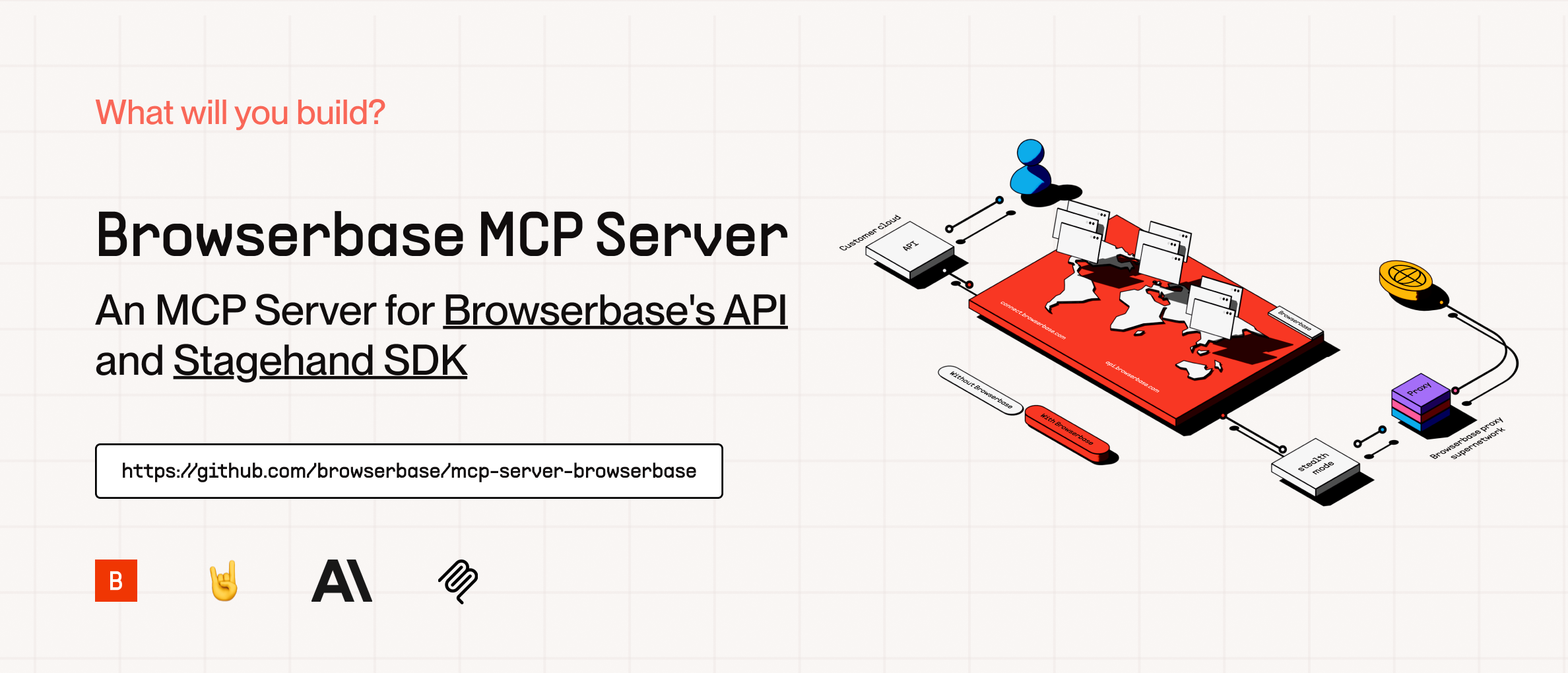
Browserbase streams live DOM, cookies, and navigation state from a cloud browser session.
Browserbase connects a model to a live browser session in the cloud. It streams full page context from a remote browser, including DOM structure, cookies, local storage, and navigation history, so an agent can work with the actual state of a page rather than a static snapshot. That suits tools that browse, extract data, or simulate real user flows, and it works with headless or full render pipelines. A simple hosted setup looks like this:
{
  "mcpServers": {
    "browserbase": {
      "command": "npx",
      "args": ["@browserbasehq/mcp-server-browserbase"],
      "env": {
        "BROWSERBASE_API_KEY": "",
        "BROWSERBASE_PROJECT_ID": "",
        "GEMINI_API_KEY": ""
      }
    }
  }
}
PandaDoc MCP: documents on autopilot

PandaDoc exposes templates, fields, and recipient flows so agents can draft and route documents.
This is not a daily driver for most developers, but it is one of the more practical MCP servers once you need it. PandaDoc handles digital documents like proposals, contracts, NDAs, and invoices, and its MCP server exposes structured context from templates, fields, and recipient flows. That lets a model generate, validate, or route documents, which is a strong fit for contract workflows, quoting tools, and approval systems. It is built on PandaDoc's public API:
{
  "mcpServers": {
    "pandadoc": {
      "url": "https://developers.pandadoc.com/mcp"
    }
  }
}
Webflow MCP: prompt to layout on the web
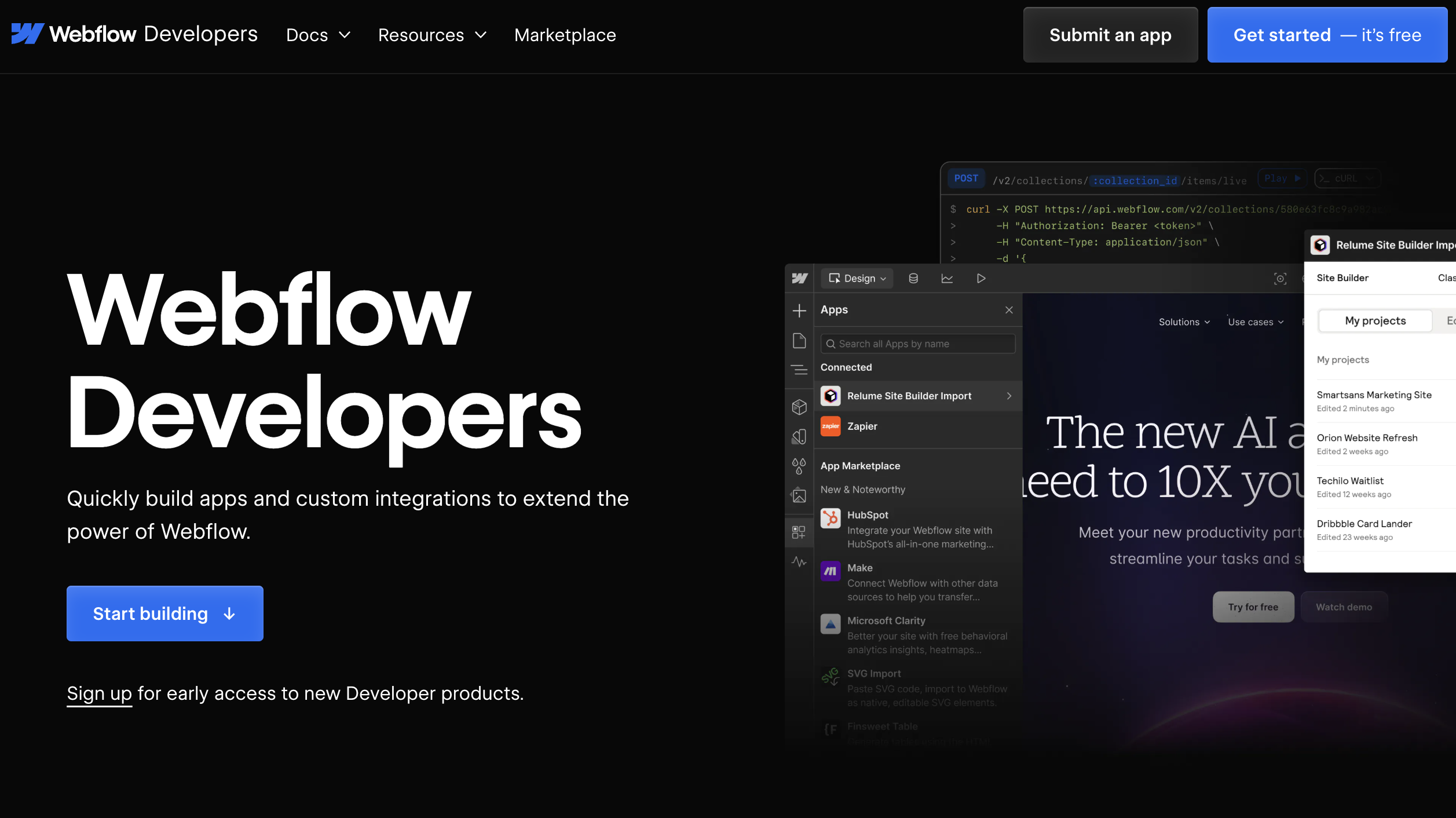
Webflow's MCP server drives prompt to layout, CMS generation, and AI assisted site updates.
Webflow's MCP server powers prompt to layout, CMS generation, and AI assisted site updates across the platform, defining structured context for whichever surface you are in, including the Designer and the CMS. You get access to CMS collections, items, and page metadata; the ability to list, retrieve, and publish sites and pages; and structured tools to modify styles, elements, and scripts. It rounds that out with token based auth, scoped tool access, and model memory config, which makes it usable for real work like scaffolding pages or updating SEO fields from a prompt.
{
  "mcpServers": {
    "webflow": {
      "url": "https://mcp.webflow.com/mcp"
    }
  }
}
How to add an MCP server to your client
MCP is a standard, so the same server works across editors and assistants. Only where you register it
changes. The JSON blocks above use the widely shared mcpServers shape, which Kiro, Cursor, Claude
Desktop, and Windsurf all understand, so in most cases you paste the same snippet and go.
- Kiro (what I use): add servers in
.kiro/settings/mcp.jsonfor a single workspace or~/.kiro/settings/mcp.jsonfor every project, using the samemcpServersshape shown above. You can also open the Kiro panel, find MCP Servers, and click the plus to add one. Kiro reloads the config on save and reconnects on its own, so there is no restart. - Cursor: open Settings, then Cursor Settings, then MCP and Integrations, click New MCP Server, and
paste the URL, or edit
~/.cursor/mcp.jsondirectly. - Claude: Claude Desktop reads a
claude_desktop_config.jsonfile with the samemcpServersblock, while Claude Code adds servers from the terminal withclaude mcp addand supports remote HTTP and SSE endpoints. - Codex: configuration lives in
~/.codex/config.tomlunder anmcp_serverstable (TOML, and note the underscore), and it is shared between the Codex CLI and the IDE extension.
Whatever the client, the pattern is the same: give the server a name, point it at a URL or a local command, add any API key it needs, then save and let it connect.
Wire them up, but keep an eye on security
The convenience has a sharp edge. MCP is a protocol, not a sandbox, so an MCP server runs with whatever permissions you hand it. Security reviews through late 2025 and into 2026 were not reassuring: one widely cited audit found a large share of MCP servers shipping with no authentication, many carrying command injection flaws, and most handling credentials in plaintext. The newer risks are specific to agents, too. Prompt injection can arrive through the content a tool returns, and tool poisoning hides malicious instructions inside a tool's own description or schema, which the model reads and the user usually skims past.
None of that means avoid MCP. It means treat each MCP server like a dependency with real access. Prefer official or well audited MCP servers, scope tokens to the minimum they need, keep API keys out of shared config, and stay skeptical of any tool that can both read untrusted content and take consequential actions in the same session.
The takeaway
MCP servers are not just infrastructure. They give a model structure, scope, and the ability to act across your real tools, which is the difference between a clever prompt and an actual workflow. Start with the one or two that map to your daily work, GitHub and Context7 are the easiest wins, add design, web, or content MCP servers as you need them, and put the same care into permissions that you would give any other production integration.
Frequently asked questions
- What is an MCP server?
- An MCP server is a small program that exposes a tool or data source to an AI model through the Model Context Protocol. Instead of a bare prompt, the model gets structured, scoped access to things like your repo, a design file, a database, or a live browser session, and can take real actions through defined tools.
- Do I need to write code to use these MCP servers?
- Usually not. Most of the MCP servers here are added by pasting a URL or a short JSON block into your client's config, such as Kiro's mcp.json. Some, like Firecrawl or Browserbase, need an API key. The design-focused ones like Figma run locally inside the desktop app.
- Are MCP servers safe to connect to my tools?
- Treat them like any dependency with access to your systems. MCP is a protocol, not a sandbox, so an MCP server runs with whatever permissions you grant it. Prefer official or well audited MCP servers, scope tokens narrowly, keep secrets out of shared config, and be aware that content returned by a tool can carry prompt injection.
- Which MCP server should I start with?
- For most developers GitHub and Context7 give the fastest payoff: one grounds the agent in your actual repository, the other keeps it referencing current library docs instead of hallucinating APIs. Add Figma, Firecrawl, or a content MCP server like Notion as your workflow needs them.